 Posted by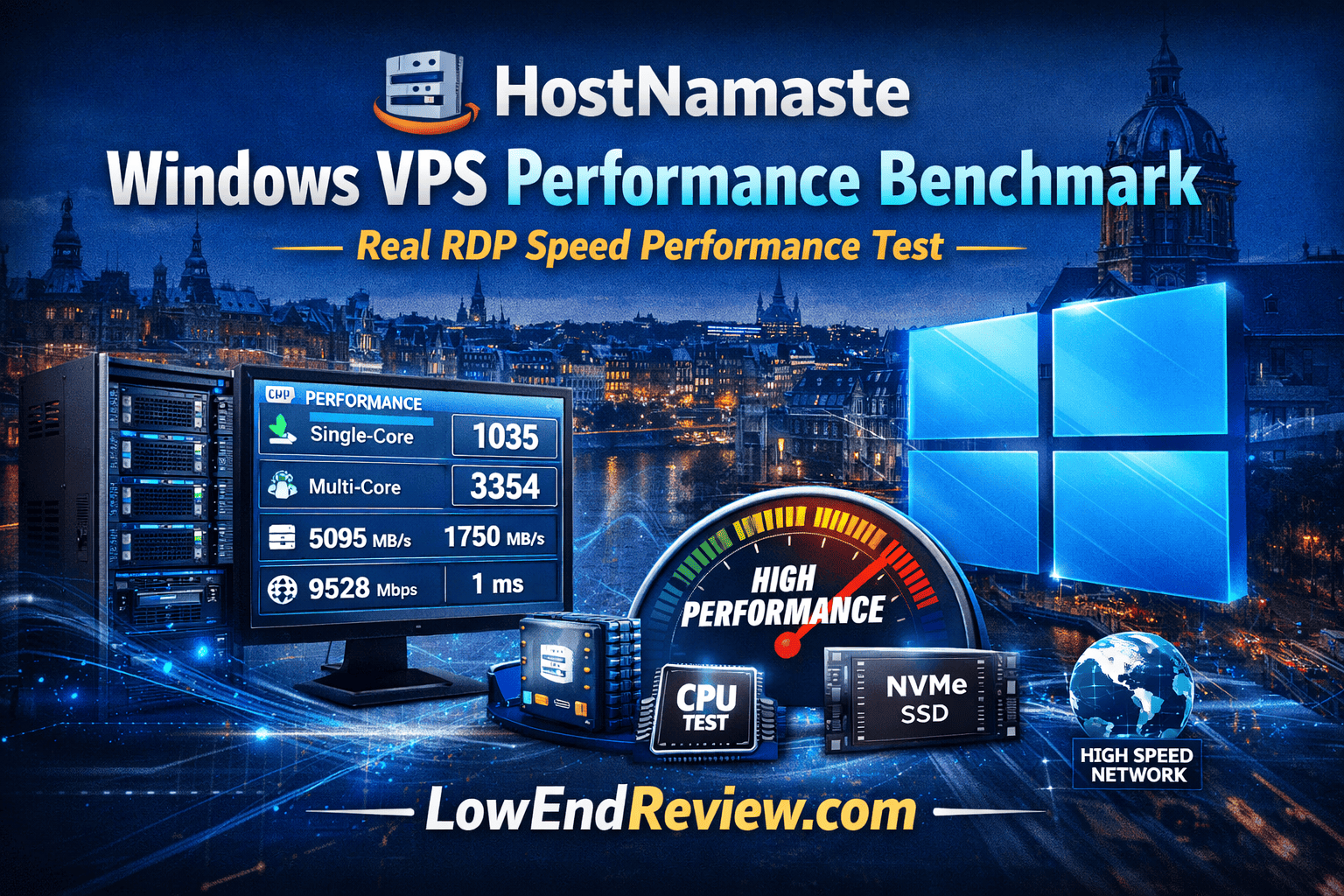
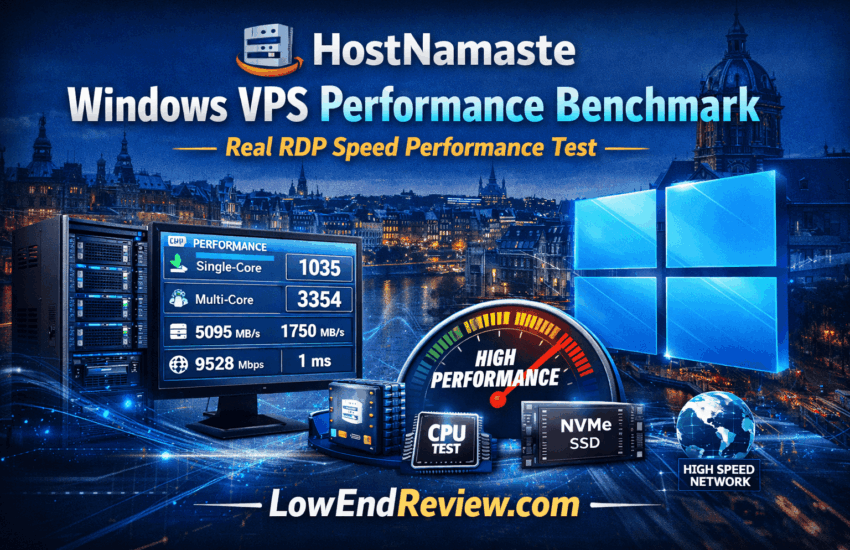
HostNamaste Windows VPS Performance Benchmark – Real RDP Speed Performance Test
When selecting a HostNamaste Windows VPS, performance is often more important than pricing. CPU limits, slow storage, or high network latency can make a Windows VPS frustrating to use.
To help users make an informed decision, we conducted a real Windows VPS performance benchmark using a live RDP server located in Amsterdam, Netherlands, Europe. This article presents the results without marketing claims or theoretical estimates.
Why Windows VPS Performance Matters
A Windows VPS is commonly used for remote desktops, trading software, automation tools, and Windows-based applications. Poor performance directly impacts productivity.
Key factors that define Windows VPS quality include:
- CPU processing capability
- Memory availability
- Disk I/O speed
- Network latency
- Remote Desktop responsiveness
Tested Windows VPS Configuration
| Operating System | Windows Server 2019 Standard |
| CPU Allocation | 4 vCPU (Dual Intel Xeon Gold Class) |
| Memory | 8 GB RAM |
| Storage | 200 GB NVMe SSD |
| Datacenter | Amsterdam, Netherlands, Europe |
| Access Method | Microsoft RDP |
CPU Benchmark Results
CPU testing was performed using Geekbench on Windows Server.
| Test | Score |
|---|---|
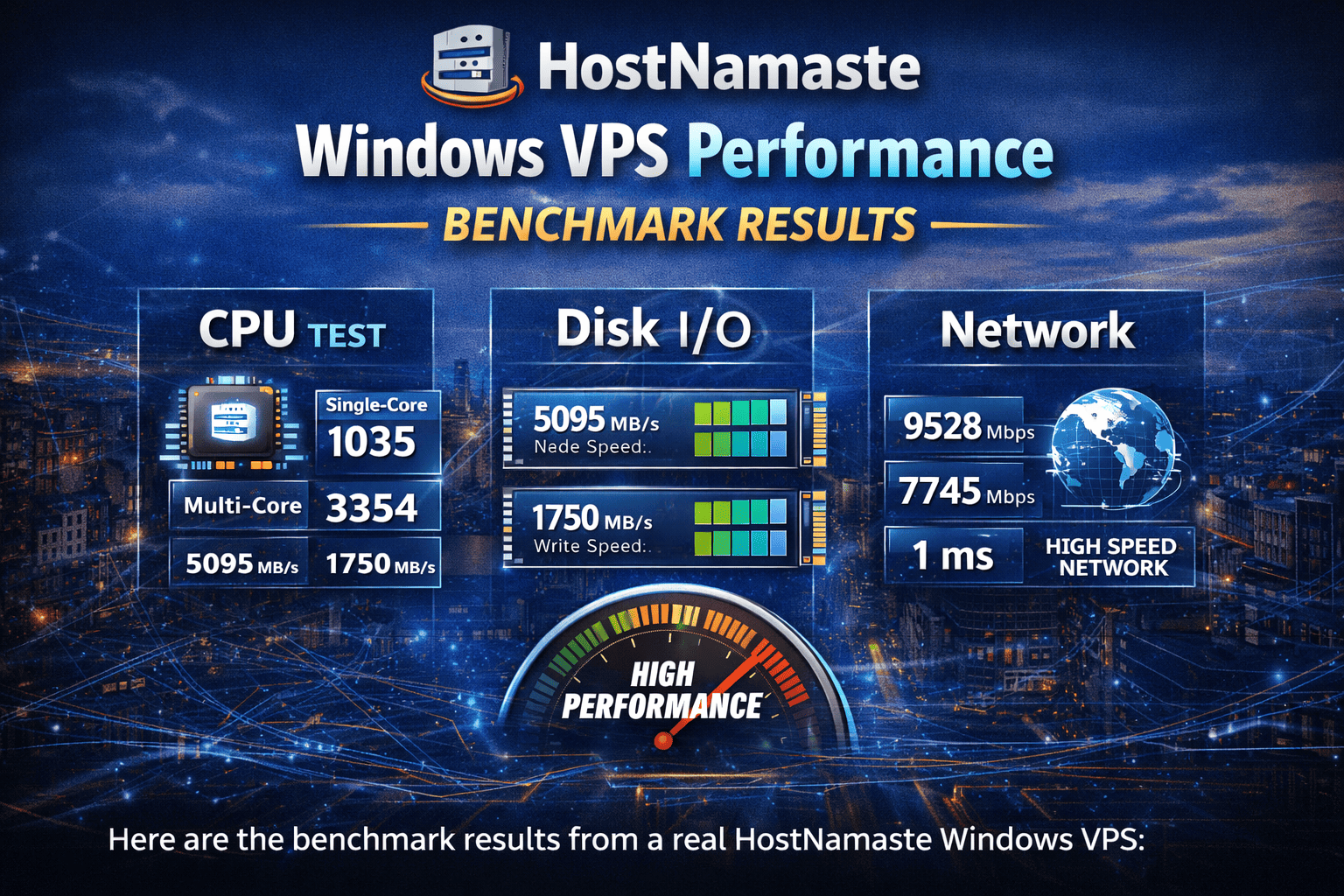
| Single-core | 1035 |
| Multi-core | 3354 |
These results indicate stable performance for general workloads and multi-tasking scenarios.
Disk Performance Results
Disk speed was tested using CrystalDiskMark.
| Operation | Read | Write |
|---|---|---|
| Sequential | 5095 MB/s | 1750 MB/s |
| Random 4K | 63 MB/s | 60 MB/s |
High disk throughput improves system boot time, application launches, and file operations.
Network Speed Test
| Latency | 1 ms |
| Download Speed | 9528 Mbps |
| Upload Speed | 7745 Mbps |
Low latency ensures a smooth remote desktop experience.
Remote Desktop Usability Test
Real usage was tested through daily operations.
- Login time: approximately 3 seconds
- User interface: smooth and responsive
- Application startup: Chrome opened in around 2 seconds
- Video playback: 1080p video played without lag
Is This Performance Good Enough?
Based on benchmark results and real-world usage, this Windows Server offers:
- Stable CPU resources
- Fast NVMe storage
- Excellent network connectivity
- Comfortable remote desktop performance
How to Interpret These Windows VPS Benchmark Results
Benchmark numbers can look impressive, but most users are not sure how to interpret them in real-world scenarios.
In simple terms:
- CPU score indicates how responsive your Windows VPS will feel when opening applications and performing tasks.
- Disk I/O determines how fast Windows boots, how quickly software loads, and how responsive file operations are.
- Network latency affects RDP smoothness, mouse movement, and real-time interactions.
If all three metrics perform well, the Windows Virtual Server will feel similar to using a local desktop.
Common Use Cases for a High-Performance Windows VPS
A Windows Server is not only for developers. Many professionals rely on Windows VPS for daily tasks.
- Running trading platforms such as MetaTrader or NinjaTrader
- Hosting Windows-only business applications
- Automation and bot workloads
- Remote office desktops for teams
- Testing Windows software in isolated environments
For these scenarios, stable performance and low latency are more important than raw hardware specifications.
Windows VPS vs Local PC: What’s the Difference?
A local PC depends on your internet connection and hardware, while a Windows VPS runs in a professional datacenter with redundant power, cooling, and high-speed networking.
This makes a Windows Server more reliable for long-running tasks, automation, and remote work.
Frequently Asked Questions (FAQs)
What is a Windows VPS?
A Windows VPS is a virtual private server running Windows Server that can be accessed remotely using Microsoft Remote Desktop (RDP). It works like an online Windows computer available 24×7.
Is a Windows VPS good for trading platforms?
Yes. A Windows VPS is widely used for trading software such as MetaTrader, NinjaTrader, and other automation tools due to its low latency and stable uptime.
Unlike shared hosting, a Windows VPS provides dedicated CPU, RAM, and storage resources. This results in better performance, stability, and full administrative control.
Can I install any software on a Windows VPS?
Yes. With Administrator access, you can install and configure almost any compatible Windows application.
Is NVMe storage important for Windows VPS?
Yes. NVMe storage significantly improves Windows boot time, application loading speed, and overall system responsiveness.
Do I need technical knowledge to use a Windows VPS?
Basic Windows knowledge is enough. If you can use a normal Windows PC, you can easily operate a Windows VPS via Remote Desktop.
Is a Windows VPS suitable for 24×7 usage?
Yes. Windows VPS servers are designed for continuous operation and are commonly used for long-running tasks and remote desktops.
Final Thoughts – HostNamaste Windows VPS Performance Benchmark
A Windows VPS should feel like a local desktop, not a slow remote machine. This benchmark demonstrates that a properly configured Windows VPS in Europe can deliver reliable performance for most professional workloads.
Users who rely on Windows-based applications, trading platforms, or automation tools can benefit significantly from a high-performance Windows VPS. Also read HostNamaste Review : Pricing, Features, Pros, Cons from Expert Advice & Real Users